


Is Your Jewelry Website User-Friendly? Key Navigation Tips for Boosting Customer Retention
A jewelry website’s success depends heavily on how easy it is for customers to find what they want. When navigation is clear and simple, visitors are more likely to stay longer, explore products, and make purchases. User-friendly navigation directly influences customer retention by reducing frustration and encouraging repeat visits.

If a site’s menus and categories are confusing or cluttered, potential buyers can quickly leave and never return. Smooth navigation helps users quickly access collections, filter options, and checkout, which builds trust and satisfaction. This focus on intuitive movement through the site turns casual browsers into loyal customers.
Understanding which navigation elements work best can guide improvements and boost sales. When a jewelry website prioritizes ease of use, it supports both customer experience and business growth.
Key Takeaways
- Clear navigation increases the time customers spend on a jewelry website.
- Intuitive site structure helps reduce bounce rates and improve sales.
- Regular assessment of navigation can identify areas for improvement.
Why User-Friendly Navigation Is Crucial for Jewelry Websites
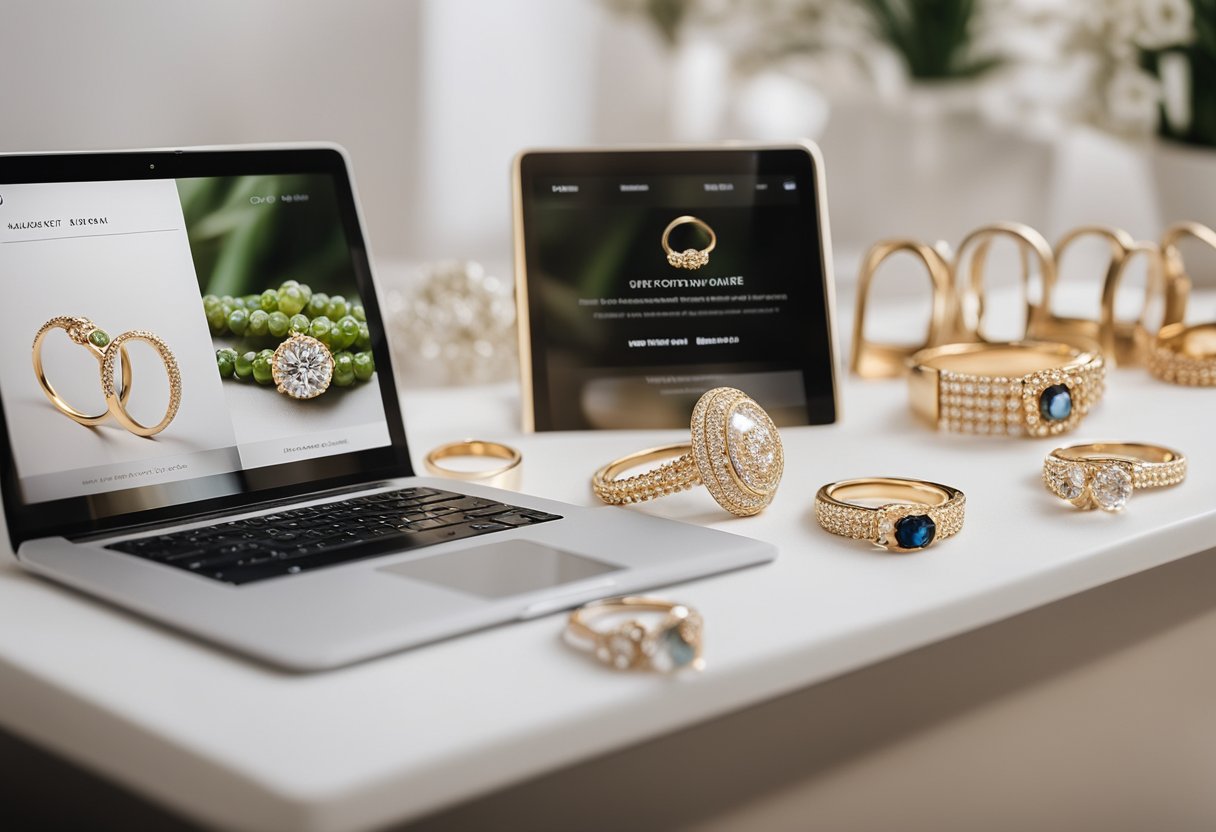
Clear navigation directly impacts how visitors interact with a site, influences their willingness to return, and fosters confidence in the brand. Structuring a jewelry website with straightforward menus, easy-to-find categories, and logical pathways helps customers locate products quickly and smoothly.
Impact on Customer Retention
Easy navigation reduces frustration, making visitors more likely to stay longer and return. Customers who can effortlessly browse collections or filter products by type, price, or style are more inclined to come back.
Confusing menus or too many clicks can drive users away. Retained customers generate consistent revenue and promote the site through word-of-mouth, making retention a key competitive advantage.
Influence on User Engagement
Simple navigation encourages exploration, increasing time on the site and interaction with more products. Features like clear call-to-action buttons and breadcrumb trails guide users through the buying process.
Engaged users tend to view more pages and add items to their cart. This engagement can also improve search rankings, as site behavior signals quality and relevance to search engines.
Building Trust With Shoppers
A well-organized website signals professionalism and reliability. When customers find their preferred jewelry styles quickly, it communicates respect for their time and needs.
Trust also grows when navigation avoids dead ends or broken links. Consistent, predictable navigation assures shoppers that the site is secure and well-maintained, encouraging purchases.
Key Elements of Intuitive Jewelry Website Navigation
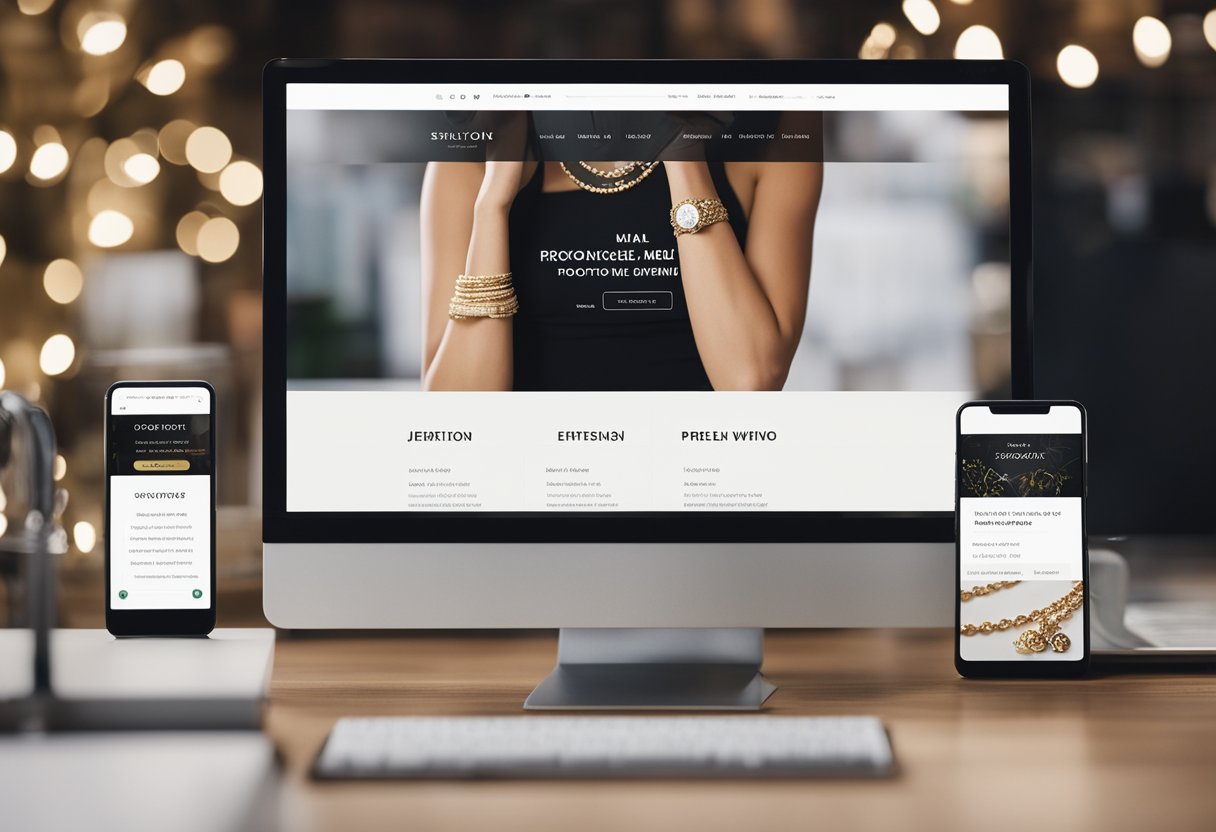
Effective navigation depends on clear organization, powerful search options, and straightforward filtering tools. These aspects help users find products quickly and reduce frustration.
Clear Menu Structure
A clear menu structure uses simple, descriptive labels that reflect common jewelry categories like “Necklaces,” “Earrings,” and “Rings.” Menus should be logically grouped, avoiding overcrowding with too many options. For example, “Men’s” and “Women’s” sections help direct customers efficiently.
Drop-down menus enhance usability by displaying subcategories only when needed, reducing visual clutter. Positioning the menu consistently across all pages maintains familiarity.
The menu should also highlight current locations to improve orientation, using breadcrumb trails or active link indicators. This clarity helps customers understand where they are and how to move back or forward easily.
Effective Search Functionality
Search functionality must handle common spelling variations and synonyms in jewelry terms, such as “pendant” and “necklace.” Autocomplete suggestions guide users toward relevant products without extra typing.
Search results should display key product details including images, price, and availability at a glance. Integrating filters in search results refines choices without page reloads.
Additionally, the search bar should be prominent on every page, easy to locate, and responsive on mobile devices. Fast and accurate search builds trust and encourages return visits.
Accessible Filters and Categories
Filters allow users to narrow down options by metal type, gemstone, price range, and style. They should be easy to toggle on and off without resetting the entire search.
Categories must be consistently organized across the site, with intuitive groupings to avoid confusion. For instance, grouping by “Occasion” or “Collection” helps users match products with intent.
Filters should visually confirm active selections and offer an option to clear all filters quickly. This transparency supports user control and speeds up decision-making.
Best Practices for Optimizing Site Navigation
Effective site navigation requires a seamless experience regardless of device and quick page loads that meet user expectations. Both factors directly impact how easily customers find products and whether they stay on the site.
Consistent Navigation Across Devices
Navigation should look and function similarly on desktops, tablets, and smartphones. This consistency reduces confusion and helps users switch devices without relearning the layout.
Menus must be designed for touch interfaces on mobile while keeping options visible and accessible on larger screens. Common practices include using hamburger menus on smaller screens and horizontal navigation bars on desktops.
Labels must remain clear and uniform. If “New Arrivals” appears on the desktop menu, the same term should be present on mobile. Changing terms or menu placement can frustrate users and increase bounce rates.
Fast and Predictable Page Loads
Page load speed is critical. Jewelry shoppers may leave if pages take longer than three seconds to open. Optimizing images, especially product photos, by compressing them without losing clarity is essential.
A predictable loading pattern, like progress indicators or skeleton screens, sets user expectations and reduces perceived wait times. This approach prevents frustration during navigation and encourages deeper site engagement.
Using reliable hosting and minimizing redirects also supports faster page loads. Slow navigation often drives customers to competitors, impacting retention negatively.
Measuring the Success of Your Website’s Navigation
Tracking how visitors interact with a website’s navigation provides clear insights on areas that work and those that must improve. Both quantitative data and direct user feedback are essential to evaluate effectiveness.
Analyzing User Behavior Data
User behavior tools such as heatmaps, click tracking, and session recordings reveal how customers move through the site. They identify navigation points frequently used or ignored. Metrics like bounce rate, average session duration, and exit pages highlight navigation friction or confusion.
Web analytics platforms like Google Analytics can show the most popular navigation paths and where drop-offs occur. Segmenting this data by device type clarifies if navigation behaves differently on mobile versus desktop.
Using this data helps pinpoint specific menus or links that need redesign, enabling targeted improvements rather than guesswork. Consistent tracking over time shows how changes impact user engagement and retention.
Conducting Usability Testing
Direct usability testing involves real users performing set tasks to find products or information on the site. Observing this process exposes navigation elements that confuse or slow them down.
Testing methods include in-person sessions, remote moderated tests, or unmoderated software tools. It’s crucial to recruit participants who resemble the site’s typical shoppers for relevant feedback.
Specific scenarios, like locating new arrivals or search filters, should guide the test to cover critical navigation points. Post-test interviews can uncover deeper insights about users’ expectations versus actual experience.
Tracking task completion rates, time on task, and user satisfaction scores quantifies navigation efficiency beyond mere data analytics. This qualitative input informs practical design fixes focused on real user needs.
Frequently Asked Questions
Effective navigation helps customers find products quickly, reducing frustration and increasing browsing time. Clear layout, intuitive menus, and easy access to key pages contribute to a smoother shopping experience.
How does website navigation impact the shopping experience for jewelry customers?
Navigation directly affects how easily customers locate items, which influences their likelihood to purchase. Poor navigation leads to confusion and higher bounce rates.
What are the best practices for designing a jewelry website to enhance user experience?
Use simple menus, categorize products clearly, and prioritize fast loading times. Visual consistency and clear calls-to-action also improve usability.
Which features are essential for a seamless checkout process on a jewelry website?
A clear, step-by-step checkout, multiple payment options, and visible security badges increase trust. Auto-fill forms and progress indicators reduce cart abandonment.
Can website design elements influence repeat purchases in an online jewelry store?
Yes, attractive design and personalized recommendations encourage return visits. Easy account management and customer support also help retain buyers.
What role does mobile responsiveness play in the user-friendliness of a jewelry website?
Mobile responsiveness ensures all site elements function well on smaller screens. It allows customers to browse and purchase on any device seamlessly.
How can jewelers optimize their search functionality to improve customer satisfaction?
Implement filters by style, metal, price, and stone type. Auto-suggestions and quick results speed up product discovery.

Guy has been building websites and helping companies online for over 15 years. He has worked in the jewelry industry for close to 30 years now. As the CEO of Jewelry Store Marketers, Guy leads the company to provide excellent services in website design and development, search engine optimization and more.


